As you undoubtedly know: WordPress is the most widely used CMS content management system in the world. But did you know that there are actually two versions of WordPress? When searching for the platform on a search engine, you may even have already noticed that two solutions are available to you: click on WordPress.com or WordPress.org. Maintenance WP introduces these two versions and helps you choose the hosting solution best suited to your website creation project.
Summary: what is WordPress?
WordPress is a content management system (called a CMS in English, for Content Management System) that allows you to create all types of websites (showcase sites, e-commerce, blogs, portfolios, etc.). Launched in 2003, the platform was behind 40% of websites worldwide in 2020.
As we mentioned earlier, two versions of WordPress are offered free of charge to internet users: WordPress.com and WordPress.org. Although both of these platforms make it possible to create a website for free (with the same WordPress CMS software), they have several differences in how they work and how they are used.
If you would like guidance on which version to use, feel free to consult our WordPress agency.
What is WordPress.com?
WordPress.com is presented as the commercial “turnkey” version of WordPress.
Owned by the private group Automattic (unlike WordPress.org, which is non-profit software), the hosting platform allows you to create a website (or a blog) and manage it on a daily basis without needing any particular web development skills. To operate, it uses the open-source WordPress software, like WordPress.org.
How does WordPress.com work?
WordPress.com is free. To create your site, you do not need to download the software: all you have to do is create an online account and choose a domain name, which will be offered in the form “*.wordpress.com ” – however, the paid version of WordPress.com allows you to use your own domain name (example: “my-site.com”). So you do not have to find hosting or download any software.
With the free version, you get 3 GB of storage space and have access to several themes for your site (graphic layout template). Three paid plans allow you to get more themes, storage space, and features.
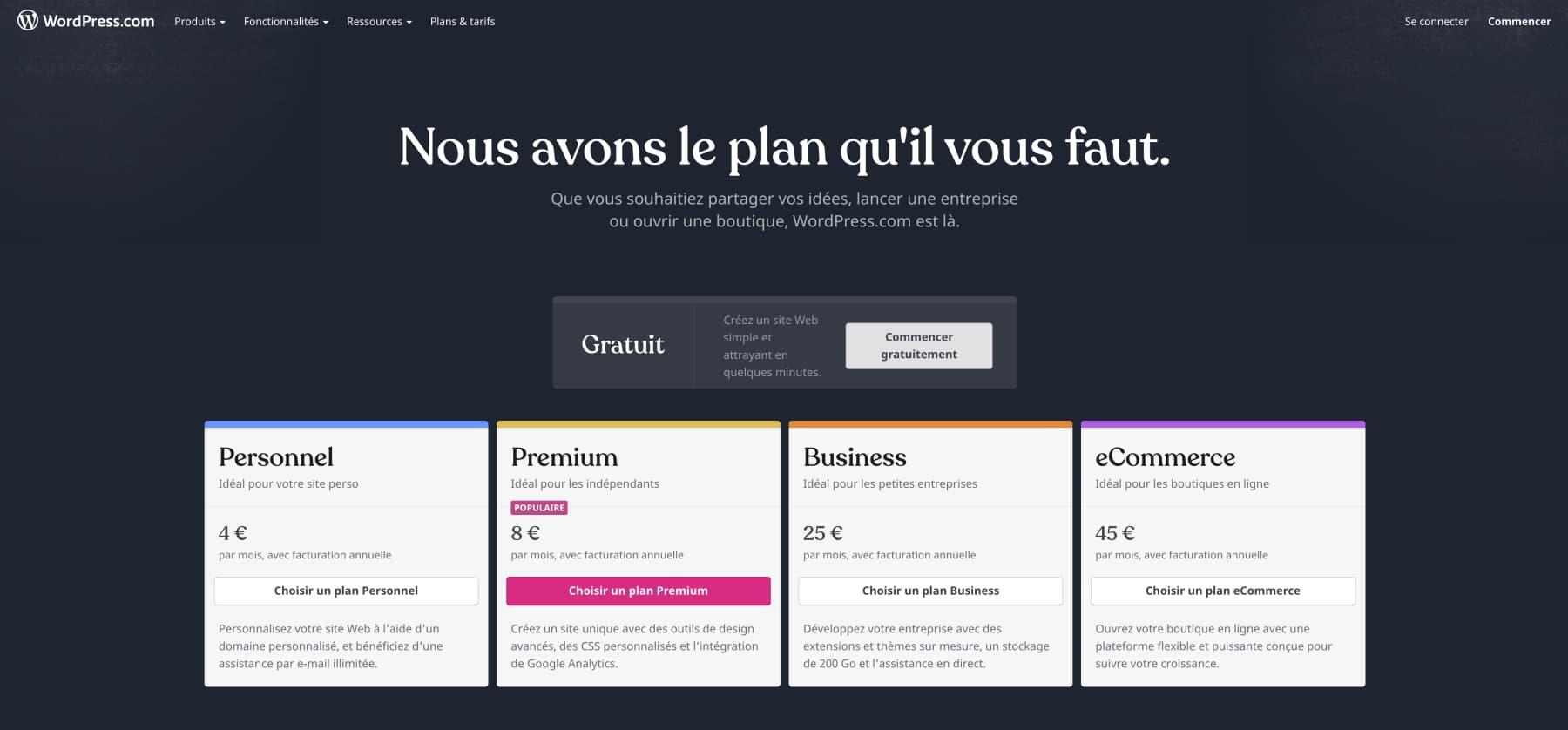
Once created, your site hosted by WordPress.com requires no specific configuration, backups, or maintenance work. The platform is therefore a very easy-to-use turnkey solution:
- you only need to focus on creating content
- you do not have to worry about hosting or managing your site
With WordPress.com, however, you do not have access to your site’s code, which means you cannot customize its design – an essential feature for people with no IT knowledge who want to save time, but one that can prove to be a major drawback for those who want to create a custom WordPress site.
With WordPress.com, you can therefore:
- Create a site for free without having to download any software or even look for a hosting solution
- Choose a domain name and “customize” your site with one of the themes offered by the platform
- Choose the plan that suits you (paid, free)
- Easily publish articles and content
- Download a few plugins (extensions)
- Free yourself from the administrative management of the site (updates, backups, security options, etc.)
By making the creation of a website and web content as simple as possible, the WordPress.com version is aimed at people who do not have computer skills and/or who do not wish to handle the administrative side. Easy to use, it allows you to edit content simply while benefiting from a turnkey hosting solution. Its limited features, however, struggle to meet the requirements of users looking for more flexibility and control over the creation of their website.
What is WordPress.org ?
WordPress.org is a so-called “self-hosted” solution offered by the WordPress Foundation. It gives you full access to the WordPress open-source software. By downloading it, you access the original version of WordPress and therefore benefit from a complete website creation tool, allowing you to manage your site from A to Z.
How does WordPress.org work?
Like WordPress.com, WordPress.org uses the free, open-source WordPress software. To benefit from it, this time you need to download it, then install it on a hosting space (a server) to which you have subscribed – website hosting is therefore paid. You also need to choose a domain name (also paid). Use of the platform is then free, although some additional features may be paid.
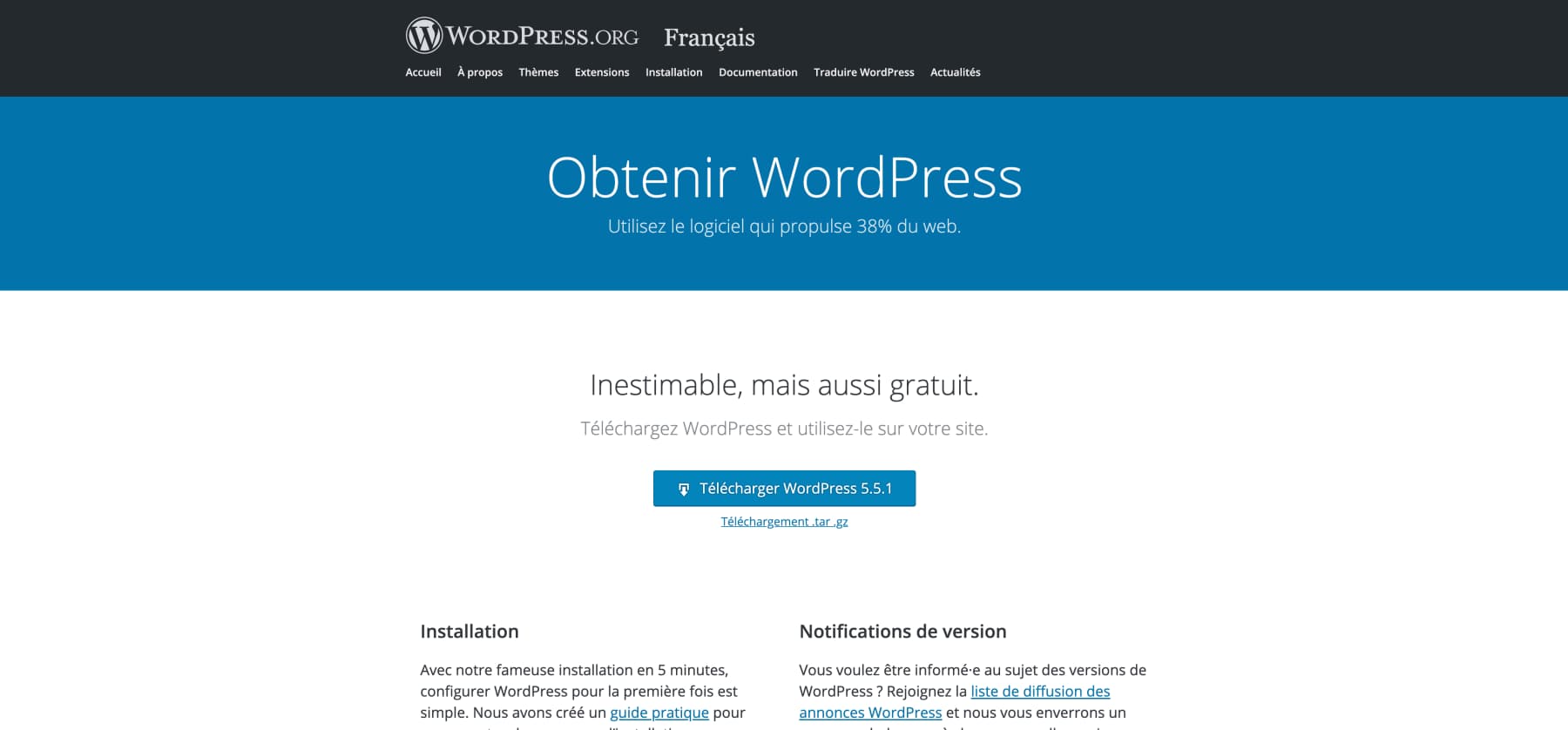
With WordPress.org, and unlike WordPress.com, you benefit from complete creative freedom. You can manage your website however you wish, and you are able to modify and customize it according to your needs (you have full access to the site’s code). In short, you have complete control over your site. This means you will notably need to install FTP client software, manage maintenance, updates, backups, site security, and optimization. These actions require some web development skills, but with a little practice and suitable training, they can be easily accessible without being an IT professional.
By using the WordPress.org version, you can therefore:
- Create a website for free by choosing your own hosting provider and domain name (paid)
- Fully customize your site by accessing the code and a multitude of WordPress plugins
- Manage your site administration yourself (maintenance, backup, security, optimization)
- Gain full control over your website
Logically, the WordPress.org version is aimed at people who have some basic computer skills and who want to create a website from A to Z without being limited. Because of its greater flexibility, it is also better suited than WordPress.com for creating an e-commerce site.
The main steps for creating a site with WordPress.org
- Installing a server intended to host your WordPress site
- Purchase of a domain name (or import of a domain name you already own)
- Installation of the open-source WordPress software, downloaded from WordPress.org, using the FTP protocol
- Choice of the theme to customize
- Installation of plugins to further customize the site
- Possible code modification to change the design
- Content creation
- Regular management of updates, backups, etc.
WordPress.com VS WordPress.org : what are the main differences ?
As we have seen, WordPress.org and WordPress.com use the same software (WordPress) but work differently. This difference in use comes from the hosting system offered by each version :
- WordPress.com is a turnkey hosting solution managed by WordPress, with predefined and limited features
- WordPress.org is a self-hosted solution that allows you to create a custom website with a multitude of extensions and features.
The main differences to know when making your choice
| WordPress.com | WordPress.org | |
|---|---|---|
| Price | Free hosting and domain name Free but limited use of the software Expect to pay between 4 and 25 euros per month to access more options | Hosting and domain name : between 30 and 80 euros per year Free but very flexible use of the software (with paid options and certain extensions) |
| Hosting | Website hosted by WordPress | Website hosted on the server of your choice |
| How it works | Connect to the platform without needing to download or install the software Simplified content creation Limited customization: no access to the site code No administrative management | Download the software + install the software on a personal hosting system Simplified content creation Wide range of design customization options: access to the site code Administrative management to be handled yourself |
| Ease of use | Platform more accessible to beginners and people with no computer knowledge | Slightly more complex to use, but accessible to most people with some prior knowledge |
| Content rights | WordPress can delete your website at any time without justification | You own the website and therefore have full rights over your content |
| Monetization | Possible with the Business or Premium version, but not very advantageous (control over advertising, limits on publishing affiliate links, ban on sites mainly consisting of sponsored articles, etc.); | Complete freedom regarding advertising, e-commerce, affiliate marketing, etc. |
You should now no longer have any trouble choosing between a WordPress.org or WordPress.com version for your website/blog !
Please also note that while both solutions are effective, your choice should depend on your goals, the time you can devote to your website, how you want to use it, and your IT skills.
Please note that Maintenance WP can also help you at any time with creating and maintaining WordPress websites.